Capture the meal, not the form.
Tap a slot, pick the meal, done. No clock-time field, no required tags — the form only opens up when you want it to.
What’s for dinner?
Sorted on Sunday, not improvised at six o’clock.
Did we get milk?
On the list the moment one of you notices it’s gone.
Whose turn is the bins?
Already decided, so nobody has to keep score.
Kindred holds all three so your household doesn’t have to. One shared place, on both your phones, kept in sync.
Three things Kindred does that make the week lighter — not another calendar to keep up with.
Tap a slot, pick the meal, done. No clock-time field, no required tags — the form only opens up when you want it to.
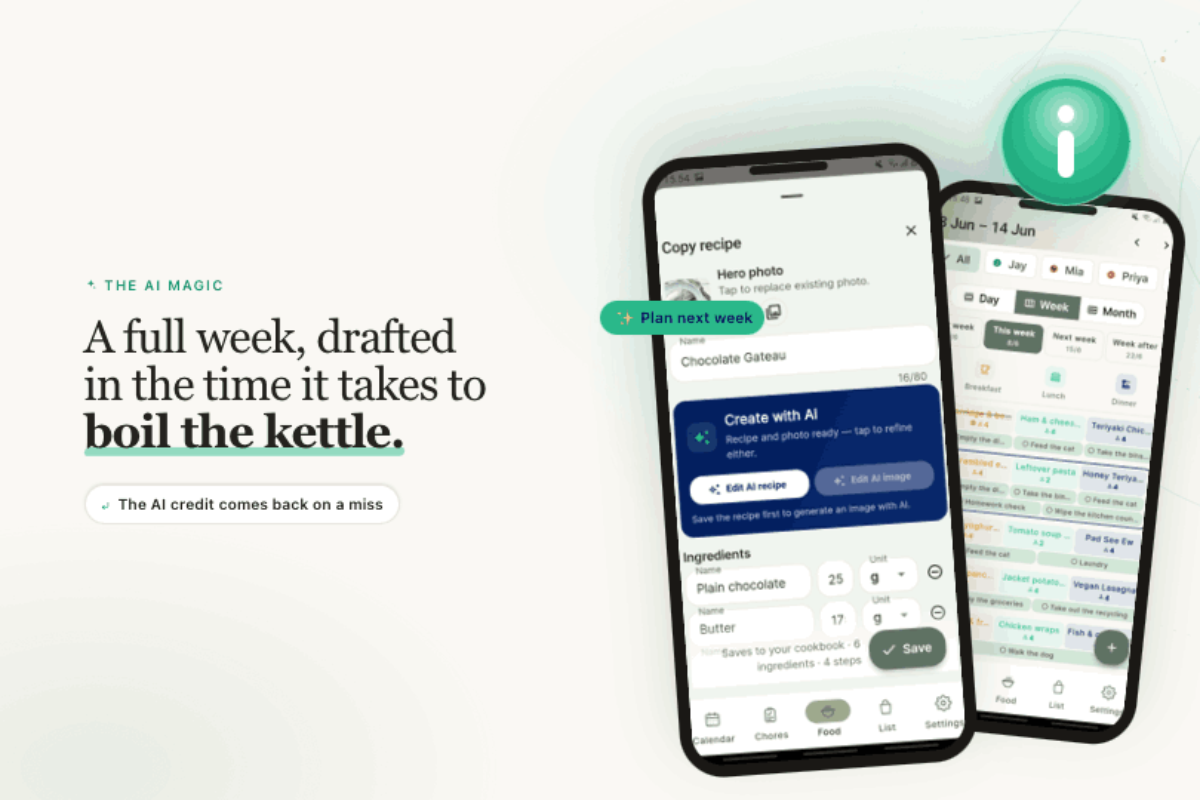
Hit Plan Next Week and Kindred drafts a week from what’s in your stock and what your household actually eats. Don’t like a draft? The AI credit comes straight back.
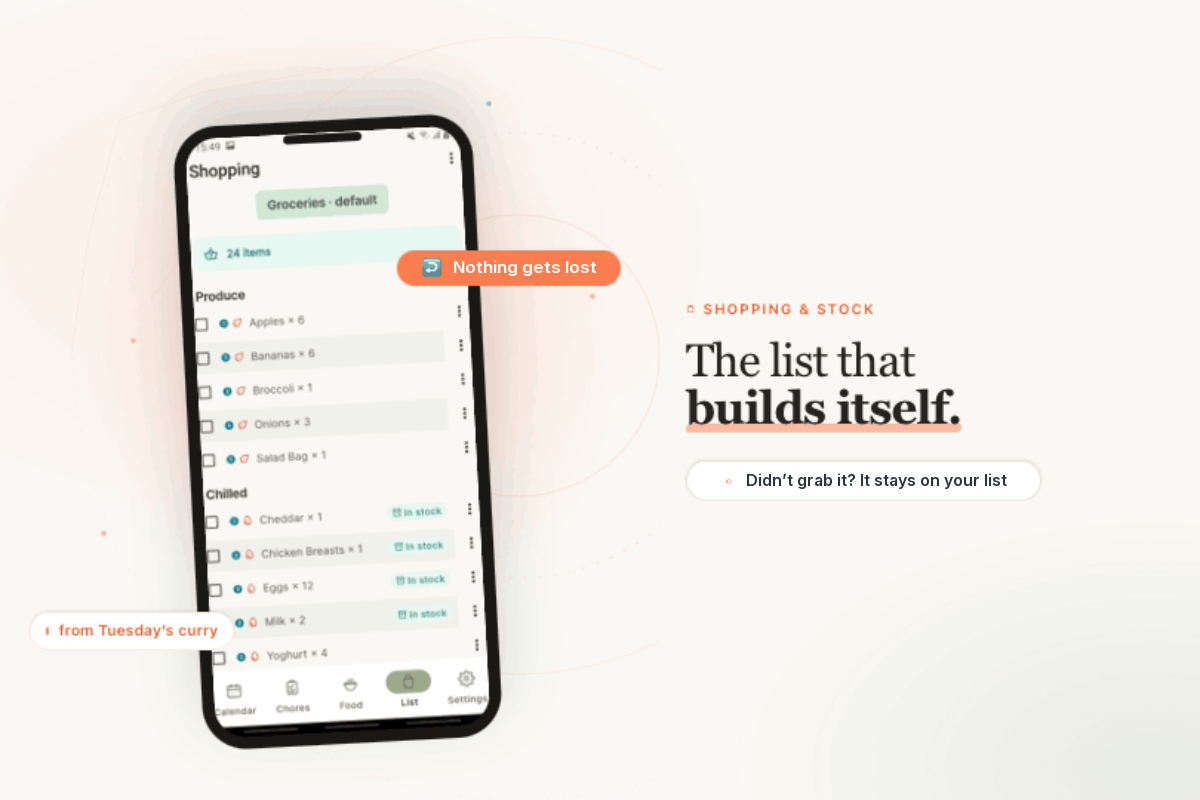
Didn’t grab something this trip? It stays on your list until you do — and next week’s plan only asks for what you’re still missing. Add a recipe and the shopping list builds itself from what’s not already in your stock.
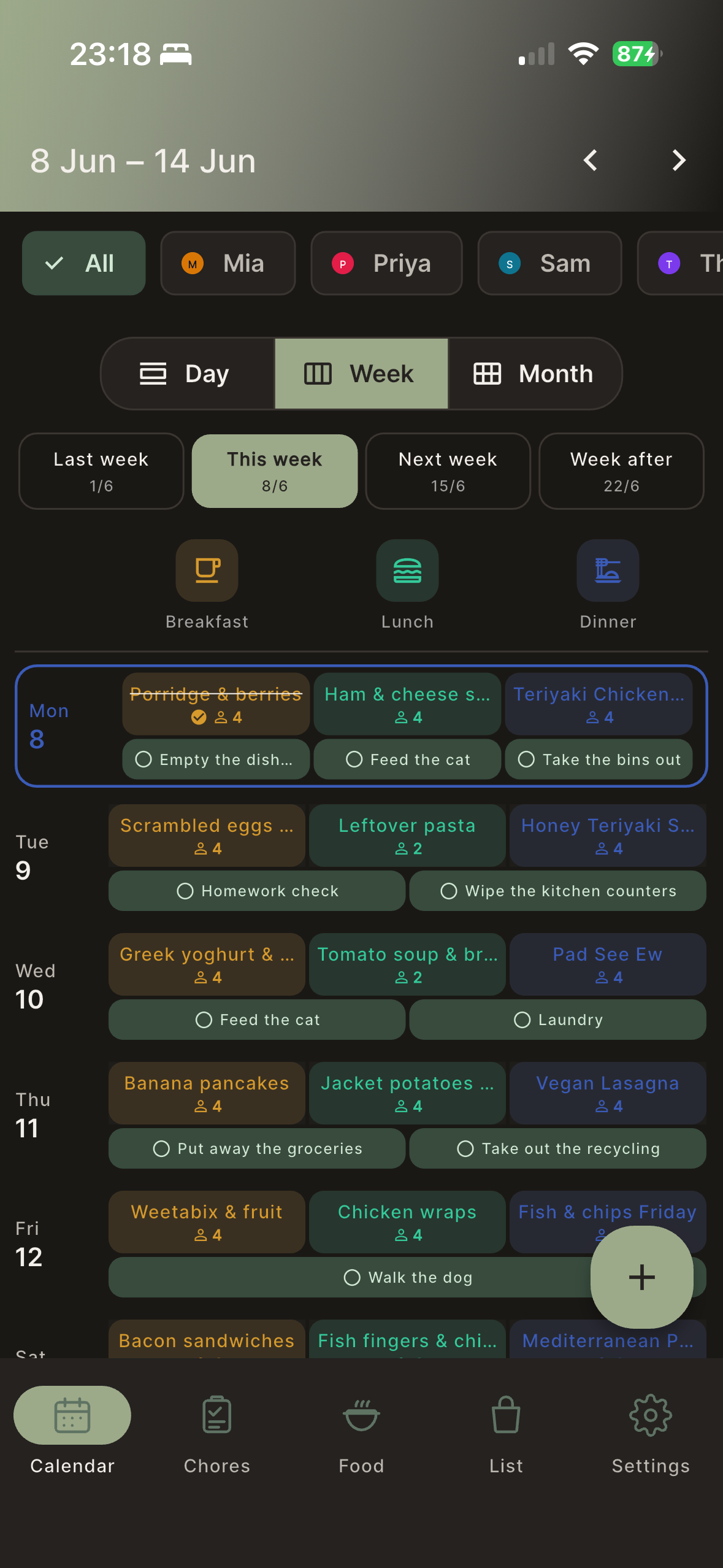
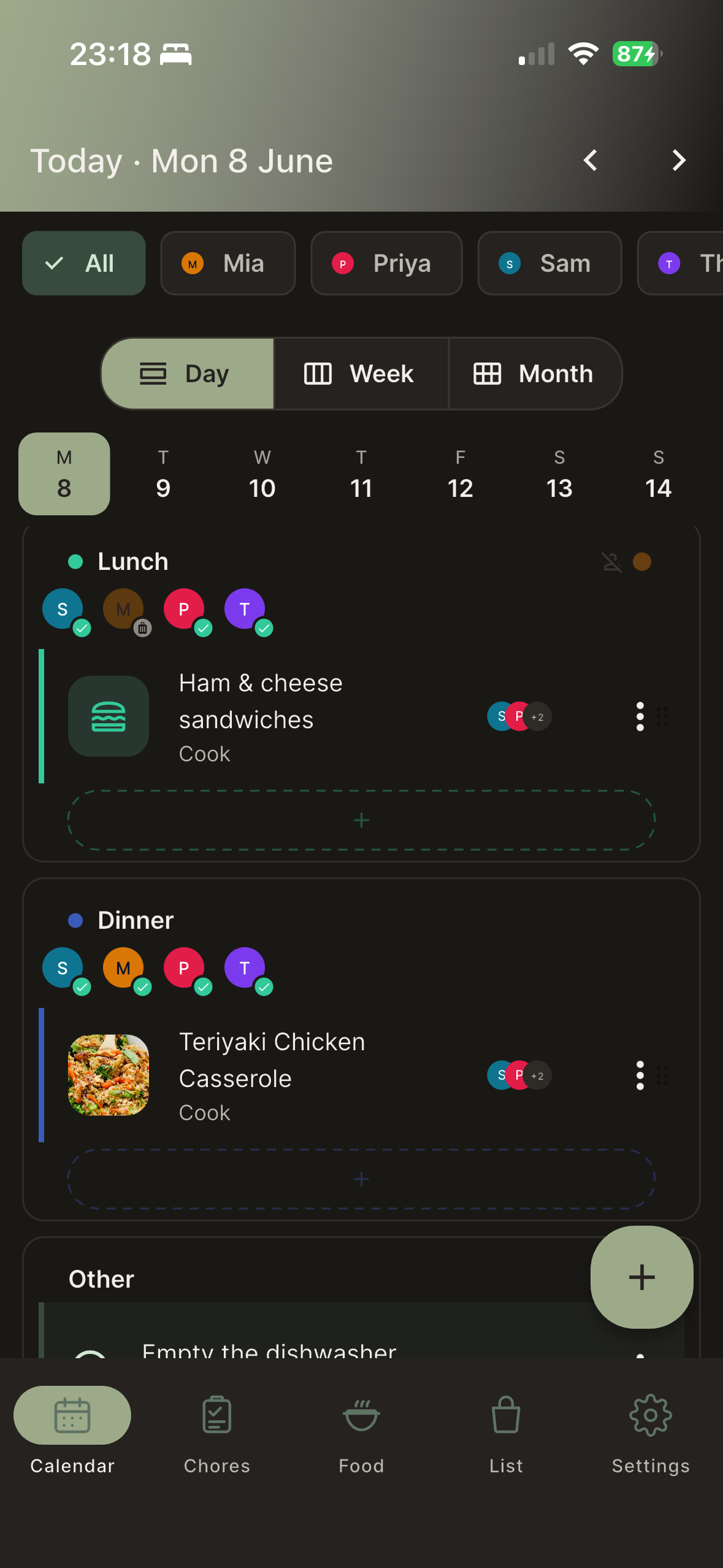
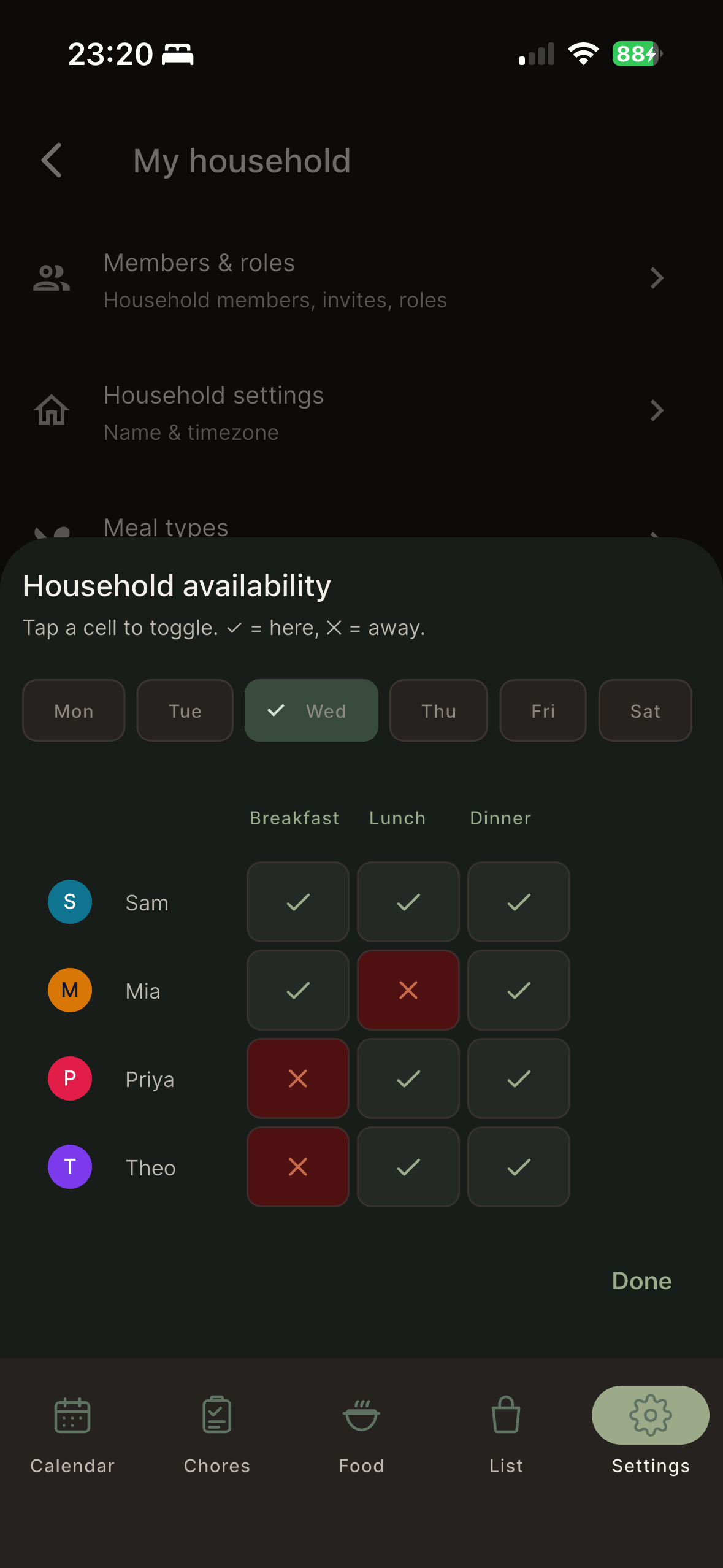
Meal slots are colour-coded across the day, from breakfast through to dinner, so the whole week reads in a single look. Member dots show who’s around. Tap any slot to add a meal or open the one that’s there. Meals live on a date and a slot — never a fiddly clock time you have to set.
Kindred reads what’s in your stock, what your household has actually eaten, and any dietary notes you’ve set — then proposes a whole week. Approve it as is, shuffle a single night, or regenerate the lot. It’s a starting point you can shape, not a decision taken out of your hands.
If a draft fails or you don’t like it, the AI credit comes back. You’re never charged for a miss.
Your data isn’t used to train anyone’s AI. More in our FAQ and Privacy Policy.
Try Plan Next Week — free for 14 daysThis is exactly what you’ll open — straight from the app, no stock photos.
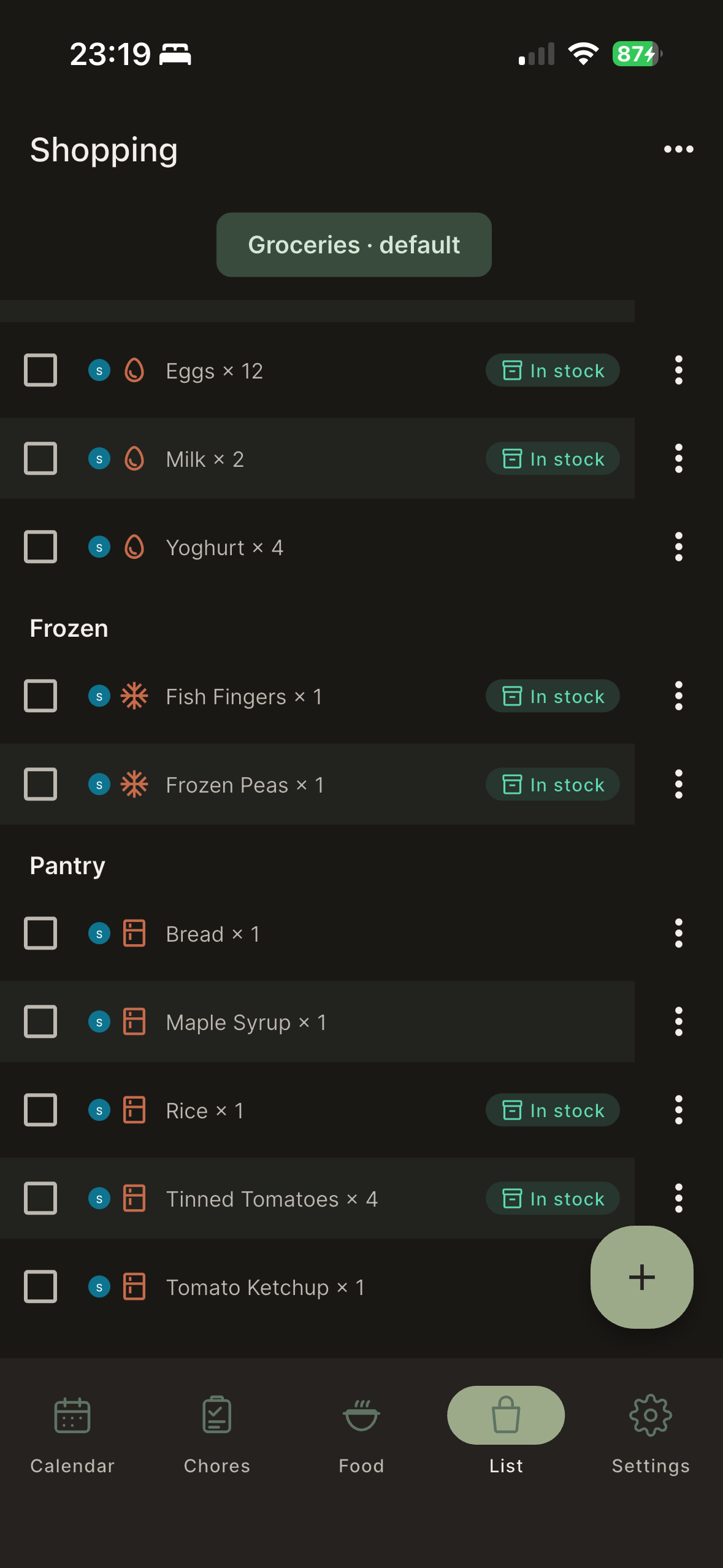
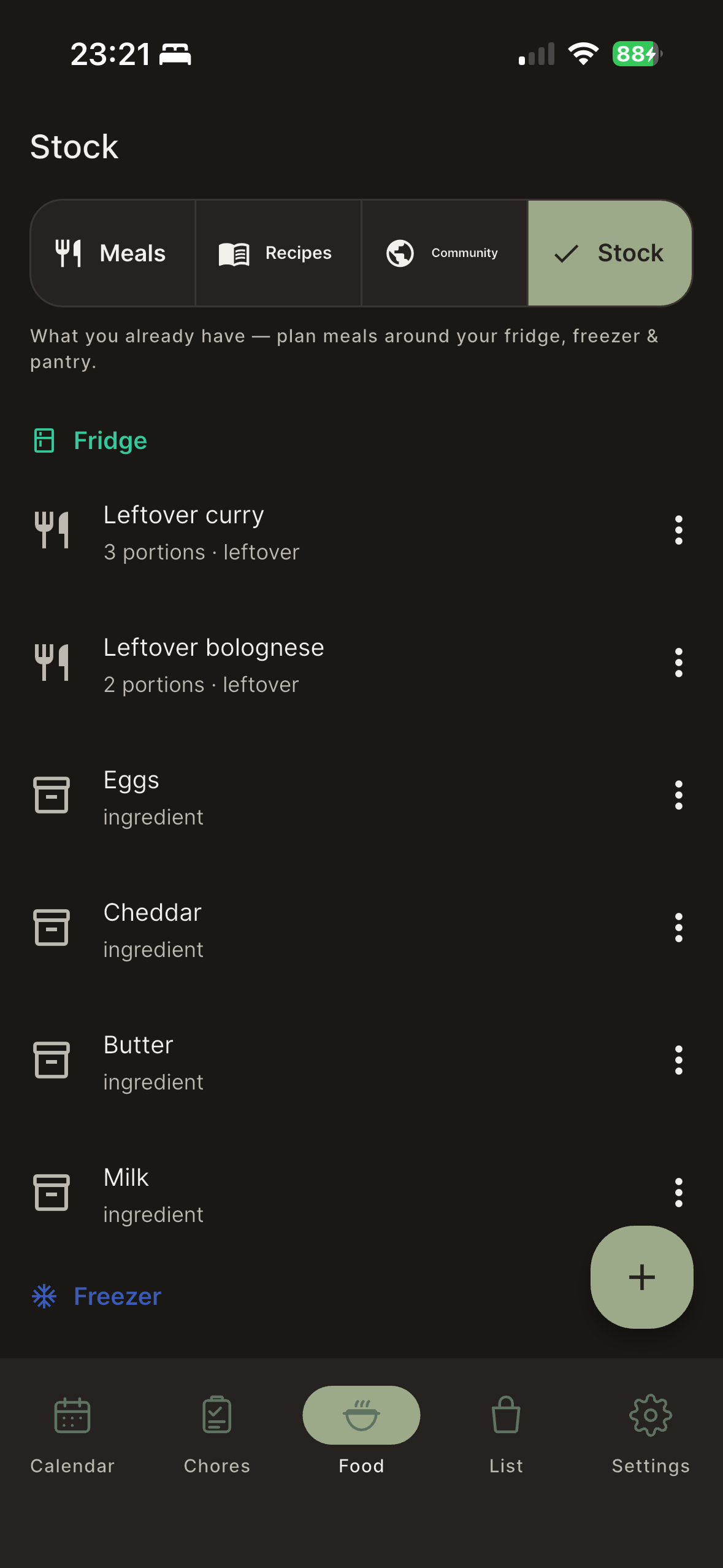
Add a recipe and Kindred adds only what you’re missing, checking against what’s already in your fridge, freezer and pantry. Didn’t grab something this trip? It stays on your list until you do — and next week’s plan only asks for what you’re still missing. A coral thread shows which recipe each item came from, so nothing on the list is a mystery.
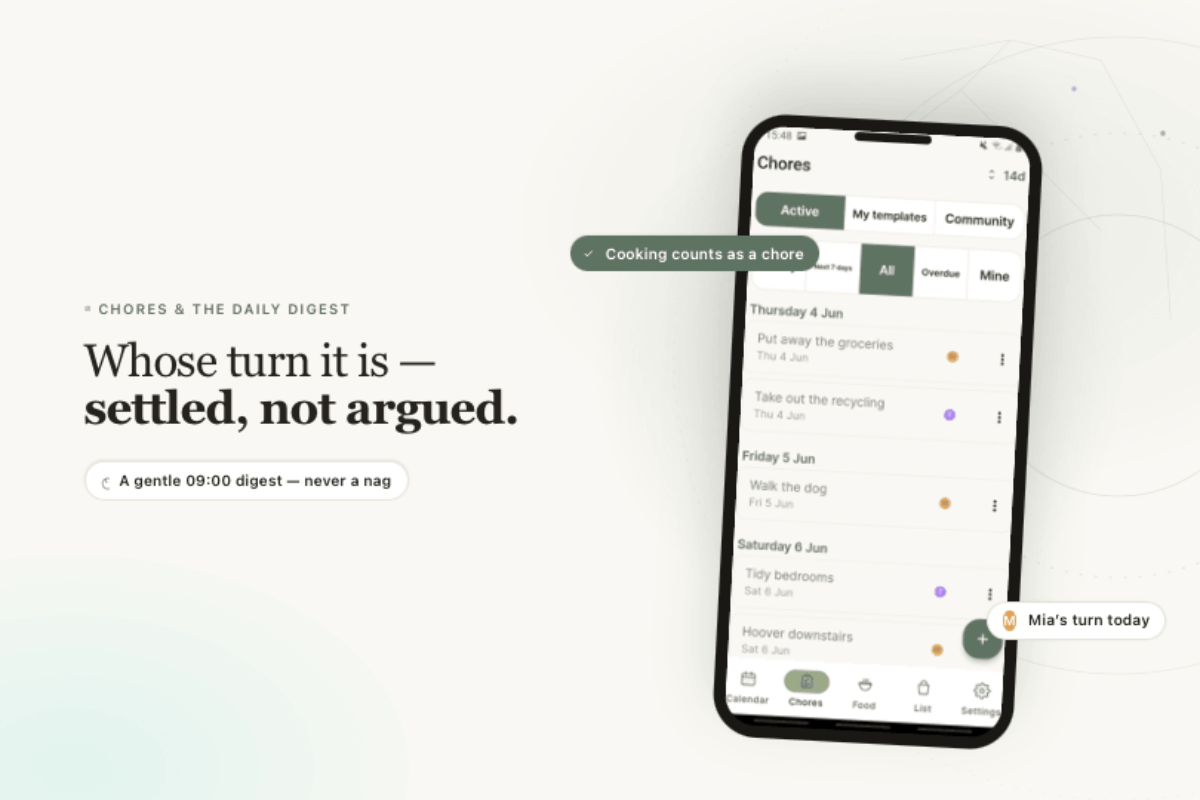
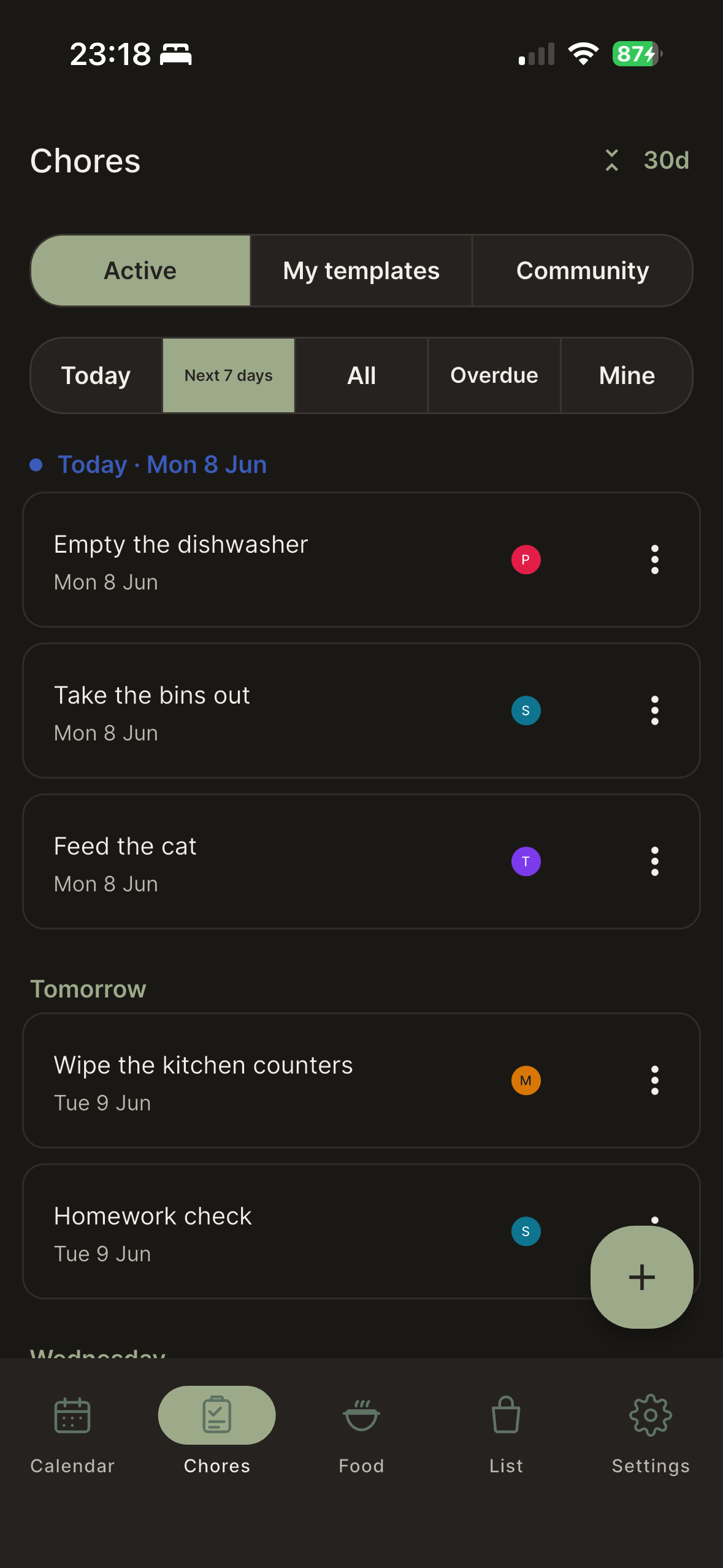
Set chores to recur, assign or rotate them, and let everyone see what’s theirs today. Cooking a planned meal counts as its own chore automatically, so the person at the stove gets the credit. A gentle 09:00 digest nudges the day’s tasks — a quiet reminder, never a nag.
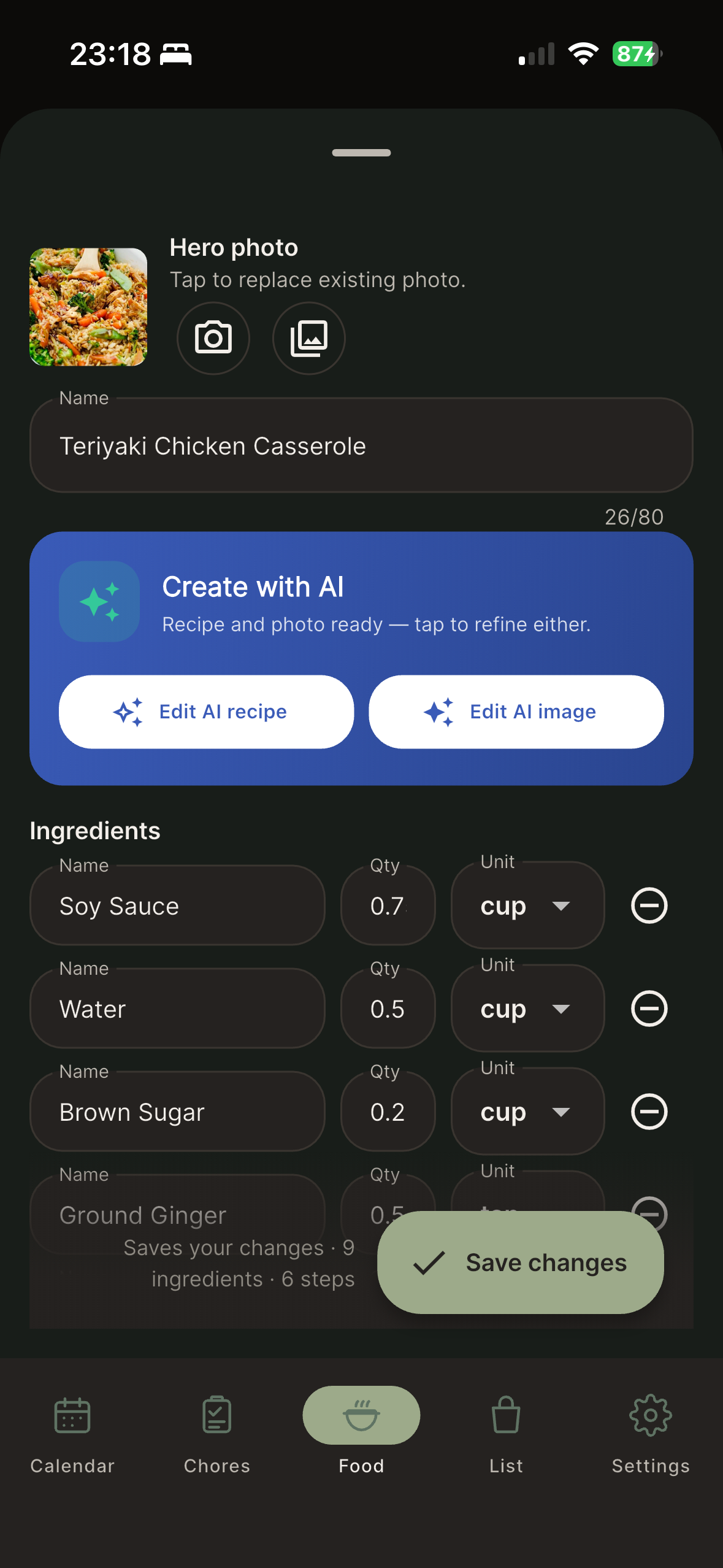
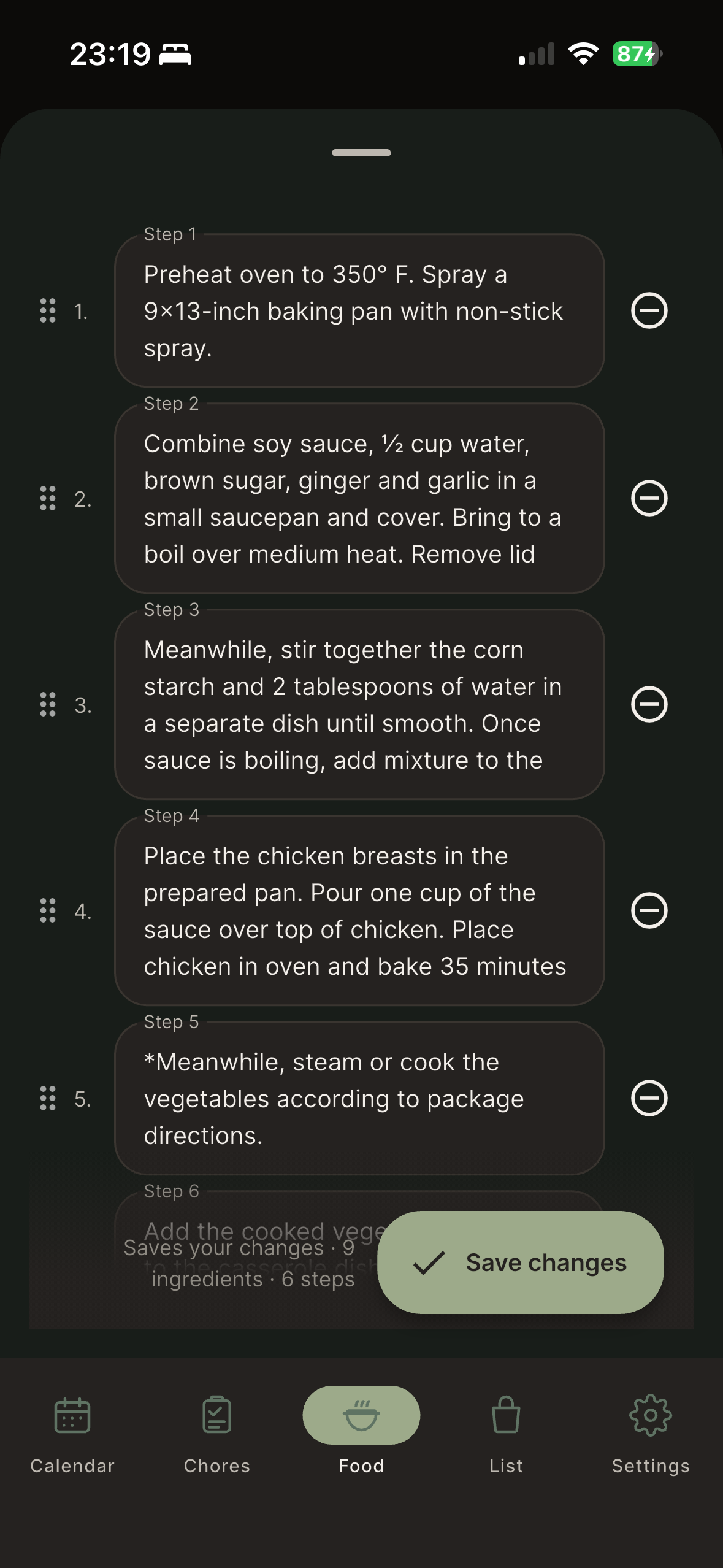
Type a name, paste a link, or snap a photo — and let Kindred do the fiddly bits: writing out ingredients, the steps, even the picture.
Type just a dish name — “chicken katsu curry”, “Grandma’s lasagne” — and the AI drafts the whole thing: ingredients, quantities and steps, ready to cook or tweak.
Drop in a URL and Kindred’s AI pulls the recipe into clean, structured form — no copy-pasting from between the ads and the life story.
No photo for a recipe? Kindred can generate a tasteful image so your recipe box looks as good as it cooks.
Your own recipes with photos, ingredients and steps — the dinners your household comes back to, all in one place.
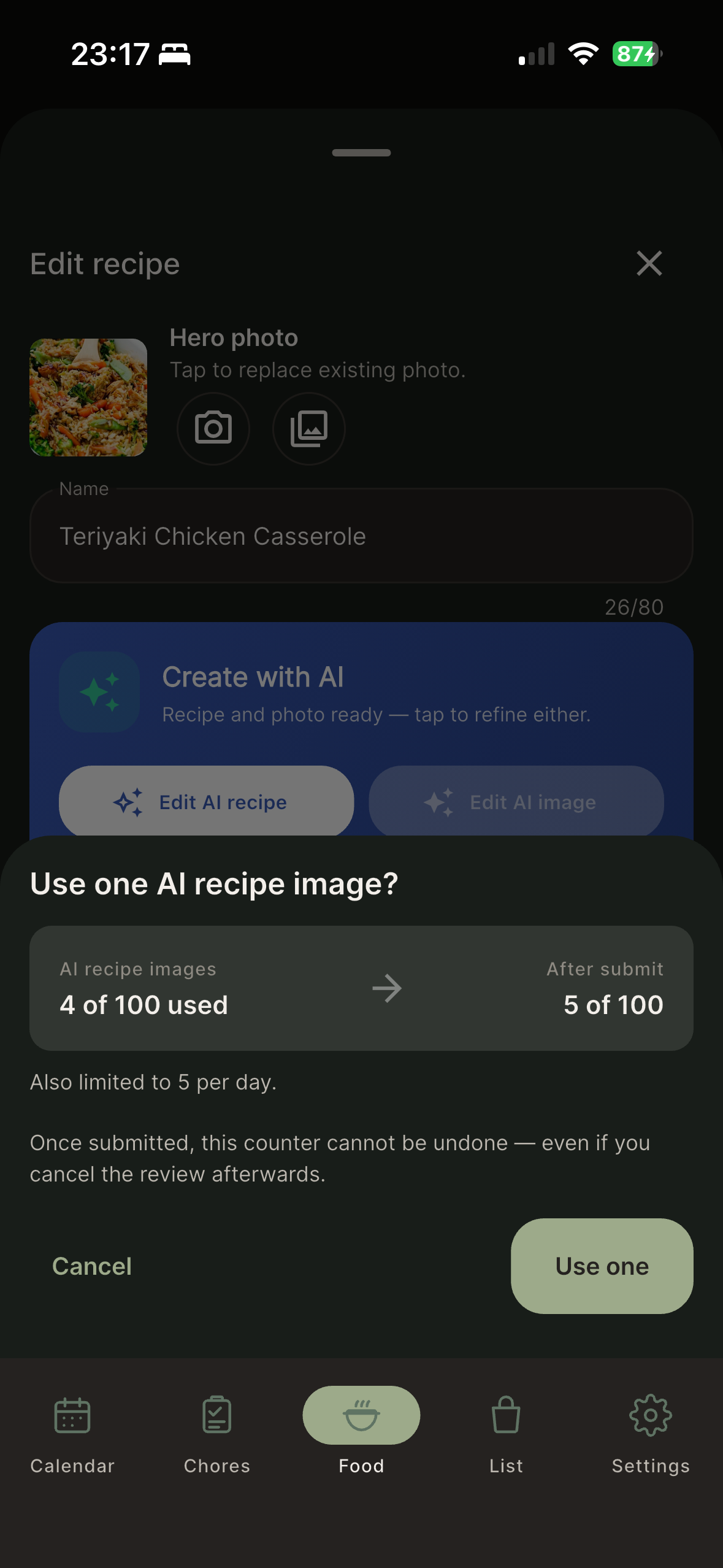
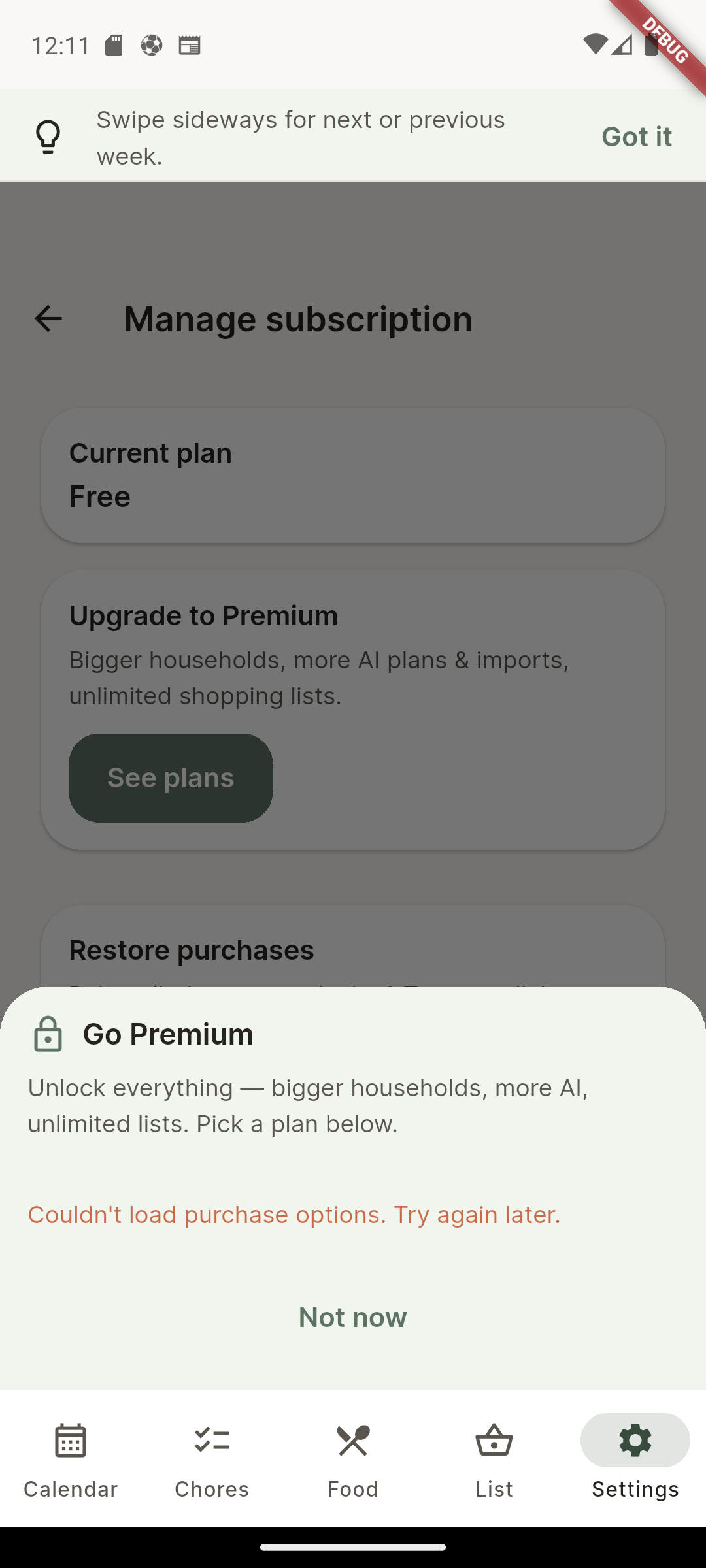
Type-a-name, link import & images use AI credits — included with Premium, topped up any time for £1.99
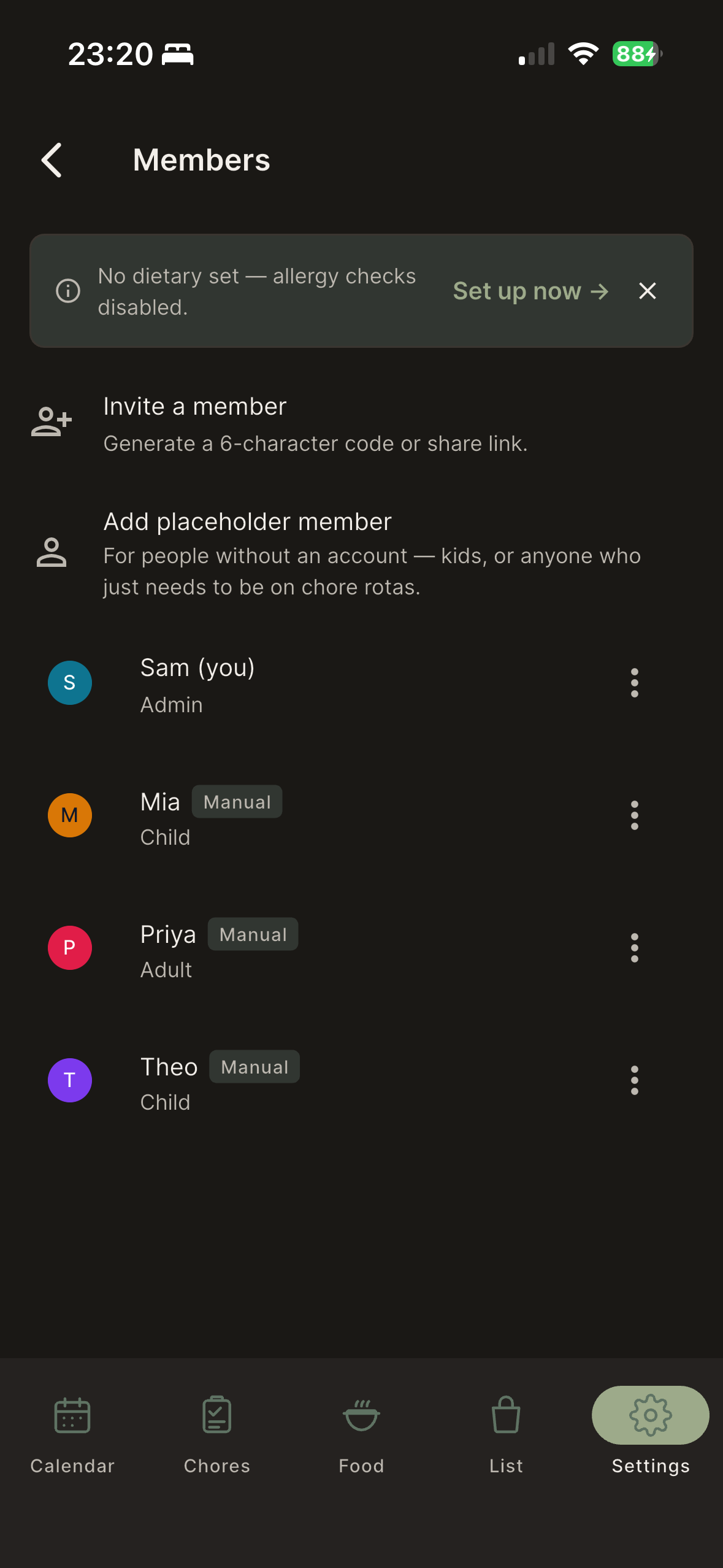
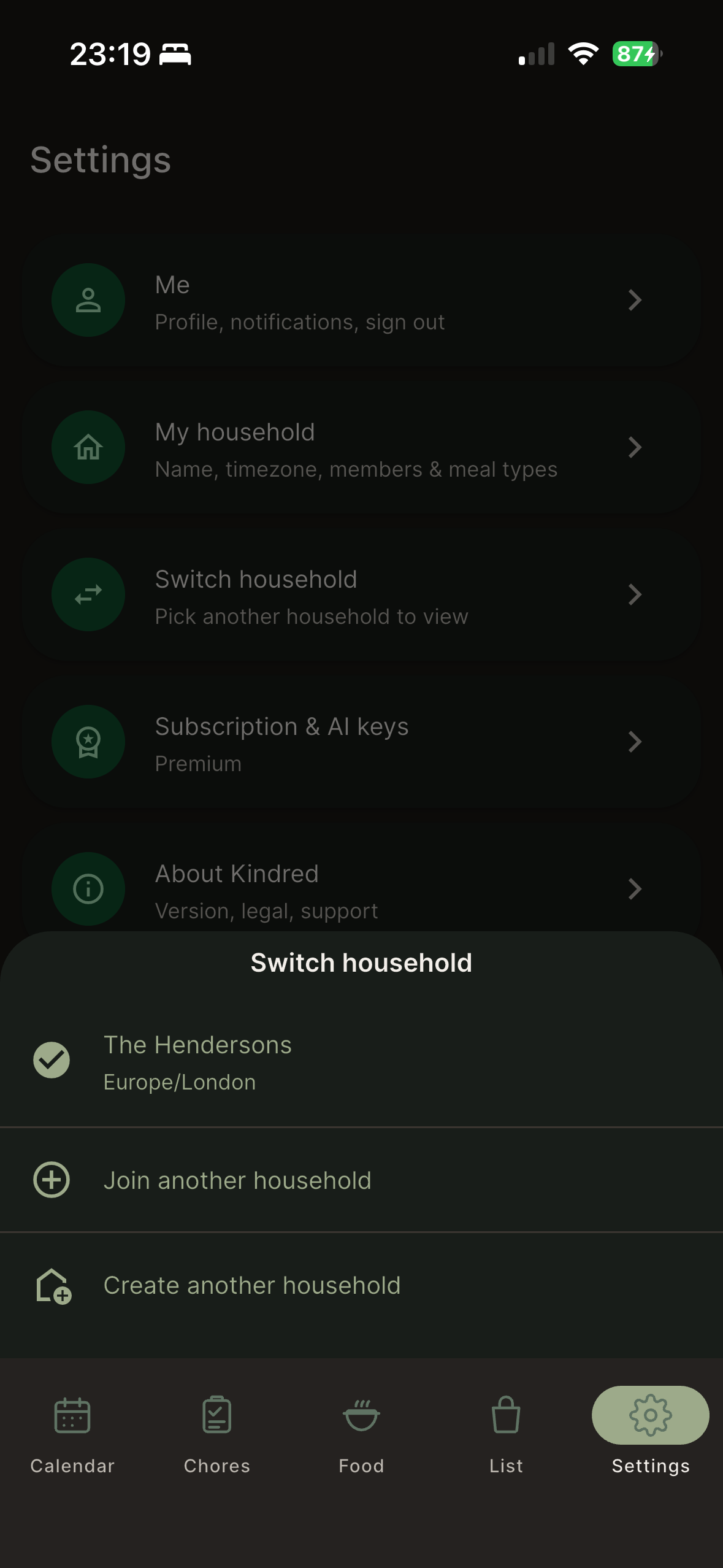
No, your partner doesn’t need their own. Invite anyone in your home — they join free, you subscribe once.
Start free. Add the AI when you’d rather it did the planning.
Everything you need to run one shared household — unlimited meals, shopping lists, chores and recipes. No credit card. For couples and families who want the rhythm without the AI extras.
Need more AI? Top up £1.99 any time. One Premium covers your whole household.
The App Store and Google Play show your local currency at checkout. Cancel any time, in one tap — no retention calls, no email loops.
What you’d want to know before you tap download.
Your data is yours — stored on Google Cloud in the UK/EU region, never sold, never used to train AI.
You’re the customer, not the product. Kindred makes its money from Premium, not from your attention or your data.
Independently built — not backed by ads or data resale. Email support and a real person answers.
Read the full Privacy Policy · Terms of Service · support@kindredhome.app
Yes — it’s a native app on both, with everything kept in sync across your household’s phones. iPad and Android tablets are supported in portrait; landscape is on the way.
Yes. The free tier runs one shared household with unlimited meals, shopping lists, chores and recipes — no credit card, no time limit. Premium only adds the AI extras (meal planning, recipe extraction and images) and priority sync.
No. One Premium covers your whole household. Invite anyone you live with — they sign in free and you pay once. It’s built for 2–4 people sharing a home.
Tap Plan Next Week and Kindred reads what’s already in your stock, what your household has actually eaten, and any dietary notes you’ve set — then drafts a week. You approve it, shuffle a night, or regenerate. If a draft fails or you don’t like it, the AI credit comes back.
Yes. Your data is yours, stored on Google Cloud in the UK/EU region. We don’t sell it, we don’t show ads against it, and we don’t use it to train AI. The full details are in our Privacy Policy.
No. Your household’s meals, lists and notes are never used to train any AI model. The AI features read your data only to draft your own week or tidy a recipe you’ve added — nothing leaves to train a model.
Nothing is lost. Your meals, lists, recipes and chores stay in your account. You simply drop to Free — the full app minus the AI extras. Re-subscribe any time and the AI features switch back on with your data intact.
Yes — through the App Store or Google Play, in one tap. No retention call, no email loops, no hoops. You keep the free app for as long as you like.
Still deciding? The free tier is the best way to see — download below.